- Published on
How to Install Telegram on Ubuntu
- Authors

- Name
- hwahyeon
The Ubuntu version used in this guide is 16.04.7 Desktop 64-bit. These methods may also work on later Ubuntu versions, although the interface and some steps may differ.
1. Downloading Telegram from the Official Website
Go to the Telegram Desktop website and download the Linux version.
On Ubuntu, Telegram is provided as a tar.xz archive. The archive contains the Telegram executable and an updater.
Open a terminal and move to the Downloads directory:
cd ~/Downloads
Then extract the downloaded archive:
tar -Jxvf tsetup.0.0.0.tar.xz
After extracting the archive, open the Telegram directory and run the Telegram executable.
This method does not install Telegram on the computer in the usual way. It is better understood as downloading a portable version that runs directly from the extracted files. Therefore, Telegram does not appear in Ubuntu’s application search.
2. Installing Telegram with Snap
Open Ubuntu Software, search for Telegram, and install telegram-desktop.
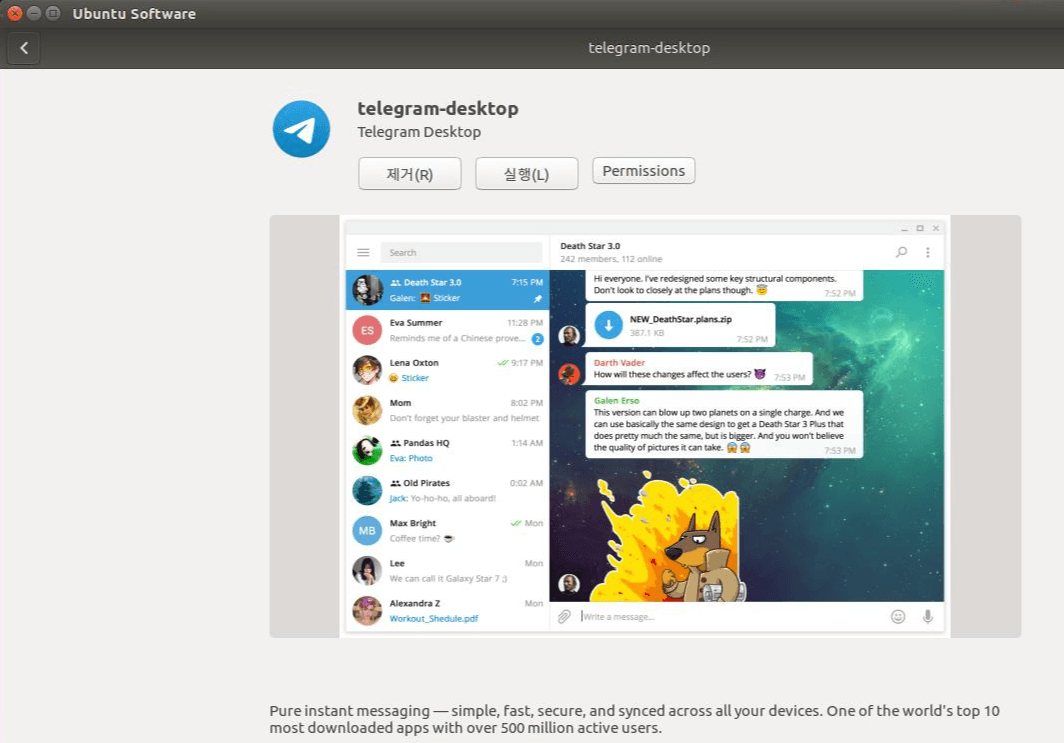
If it does not appear in Ubuntu Software, run the following command in a terminal:
sudo snap install telegram-desktop
When Telegram is installed through Snap, it is added to the system’s application list and can be found through Ubuntu’s application search.